SPECIFICATIONS
Antenna: built-in FPC antenna
Brand Name: Carlinkit
CPU: Single Cortex A7 CPU
CarlinKit CP2A: Wired CarPlay to wireless CarPlay Android Auto
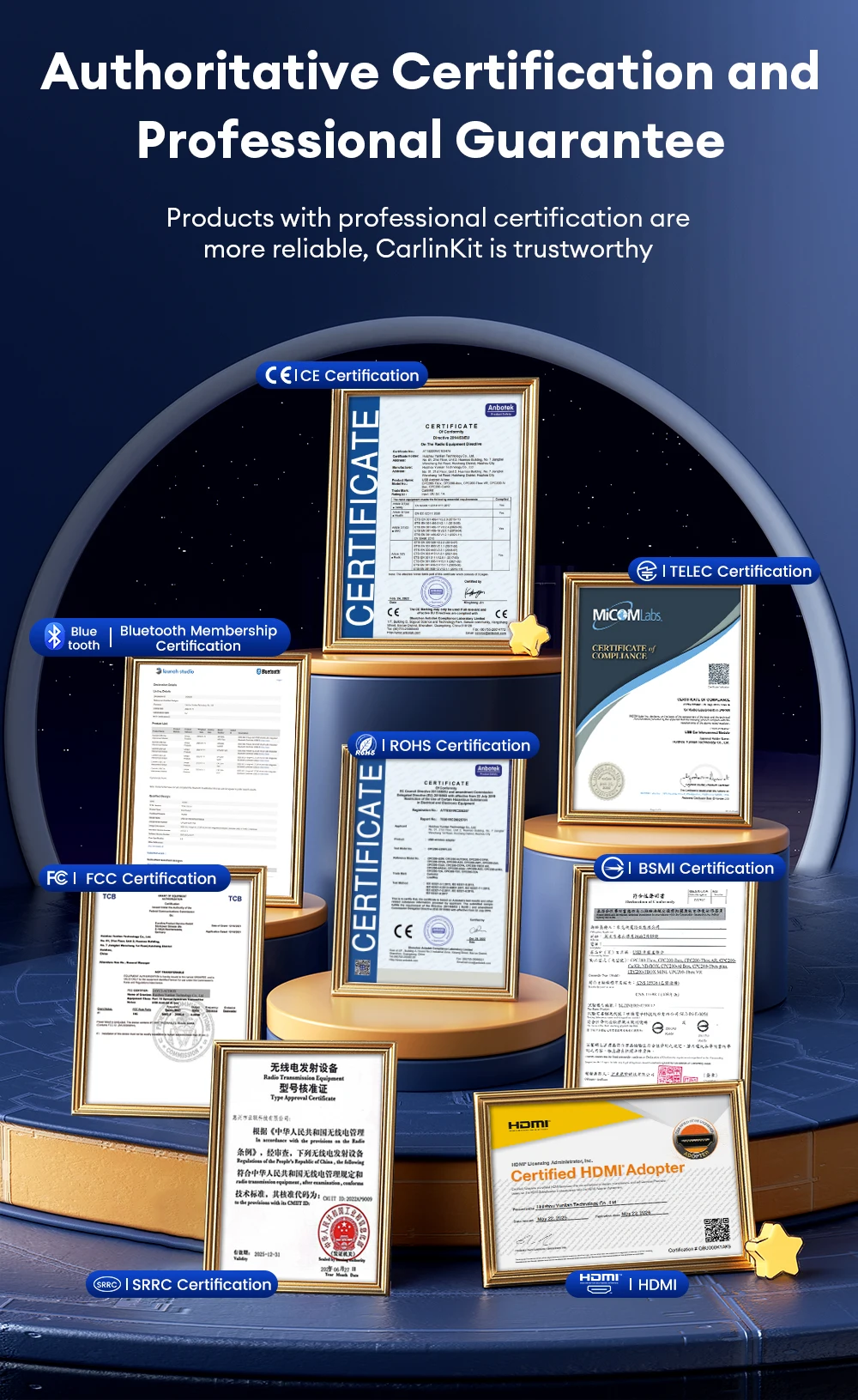
Certificate: CE FCC ROHS TELEC UKCA Bluetooth Certification
Choice: yes
Feature: Wireless CarPlay Adapter
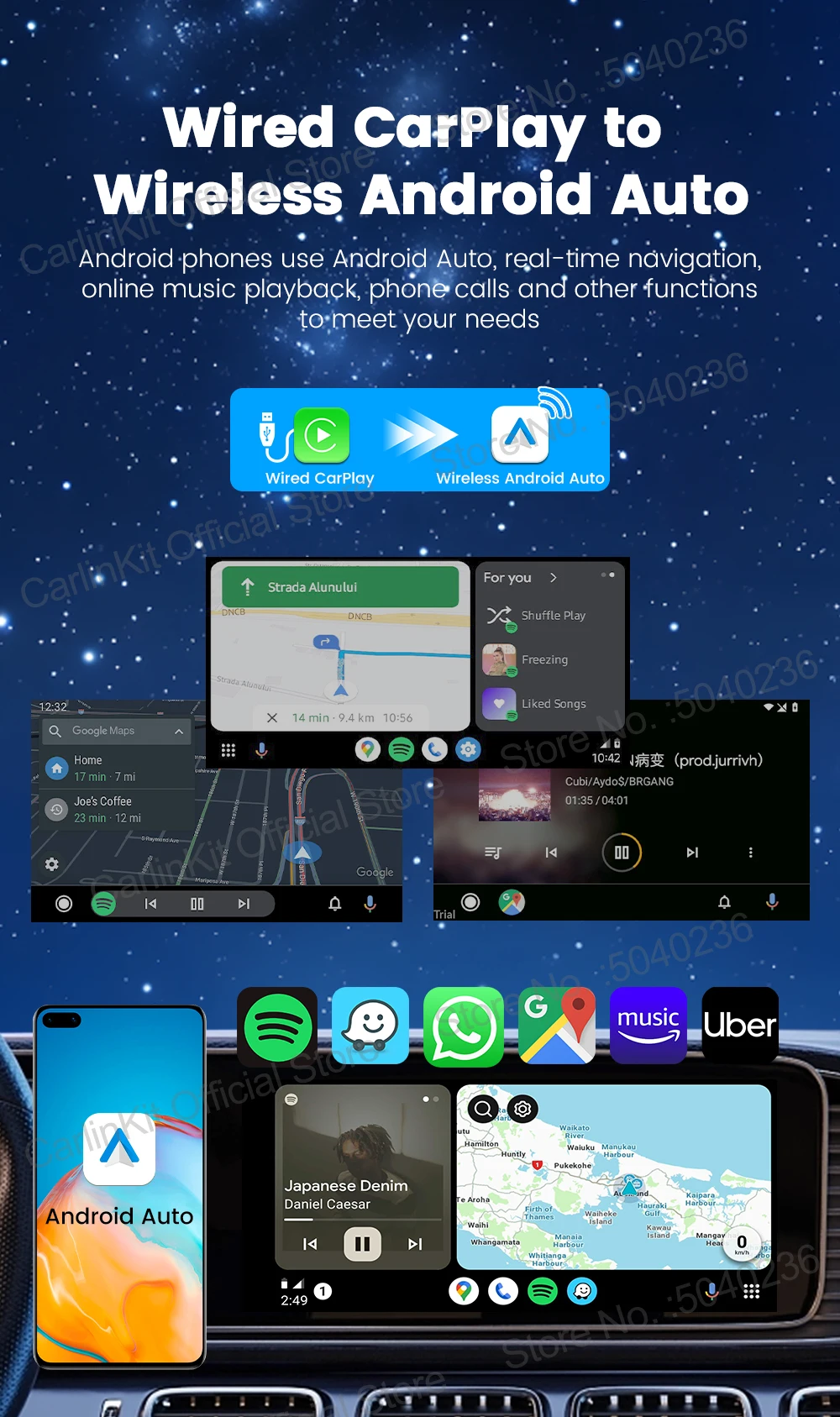
Function 1: Wired to Wireless Android auto
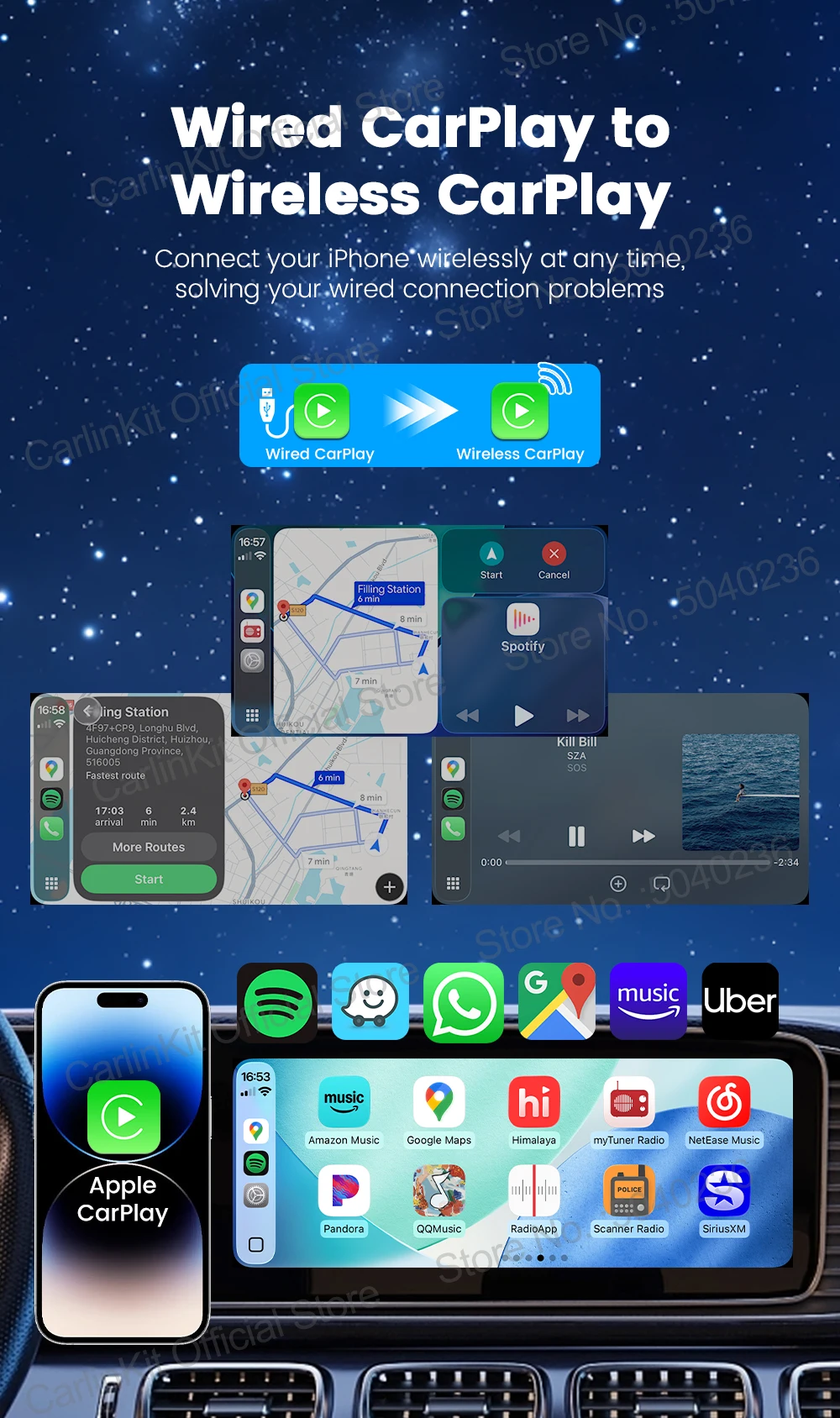
Function 2: Wired to wireless CarPlay
High-concerned chemical: none
Material: ABS + PC
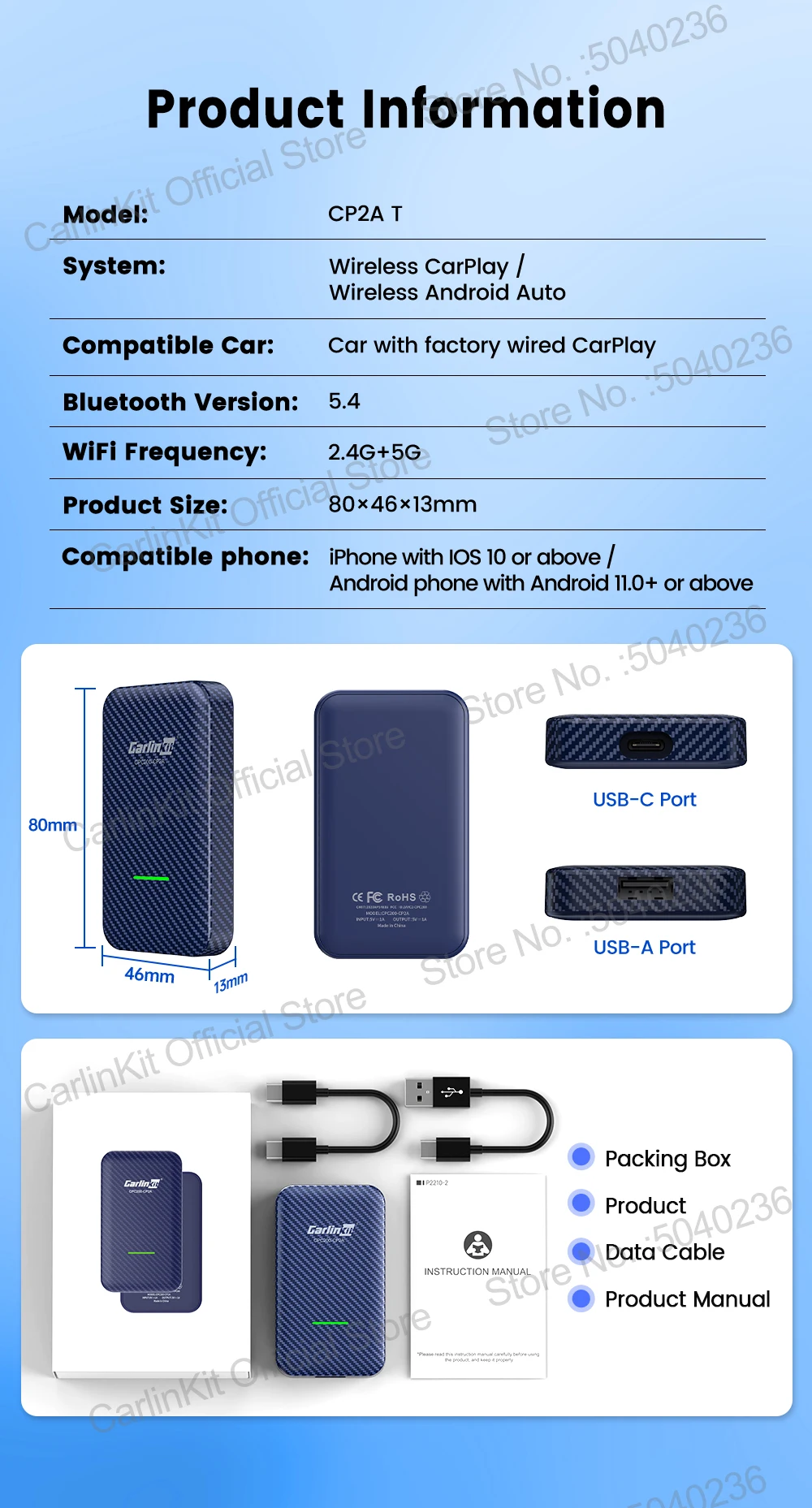
Model: CPC200-CP2A
Name: Wireless Android auto Box
Origin: Mainland China
Package Dimensions: 115x80x36mm/126g
Power Consumption: 1W
Power Input/Output: DC 5V±0.2V 1.0A
Product Size: 80x46x13mm/33g
Supported Mobile Phones 1: iPhone iOS 10 and above version
Supported Mobile Phones 2: Android 11.0 and above
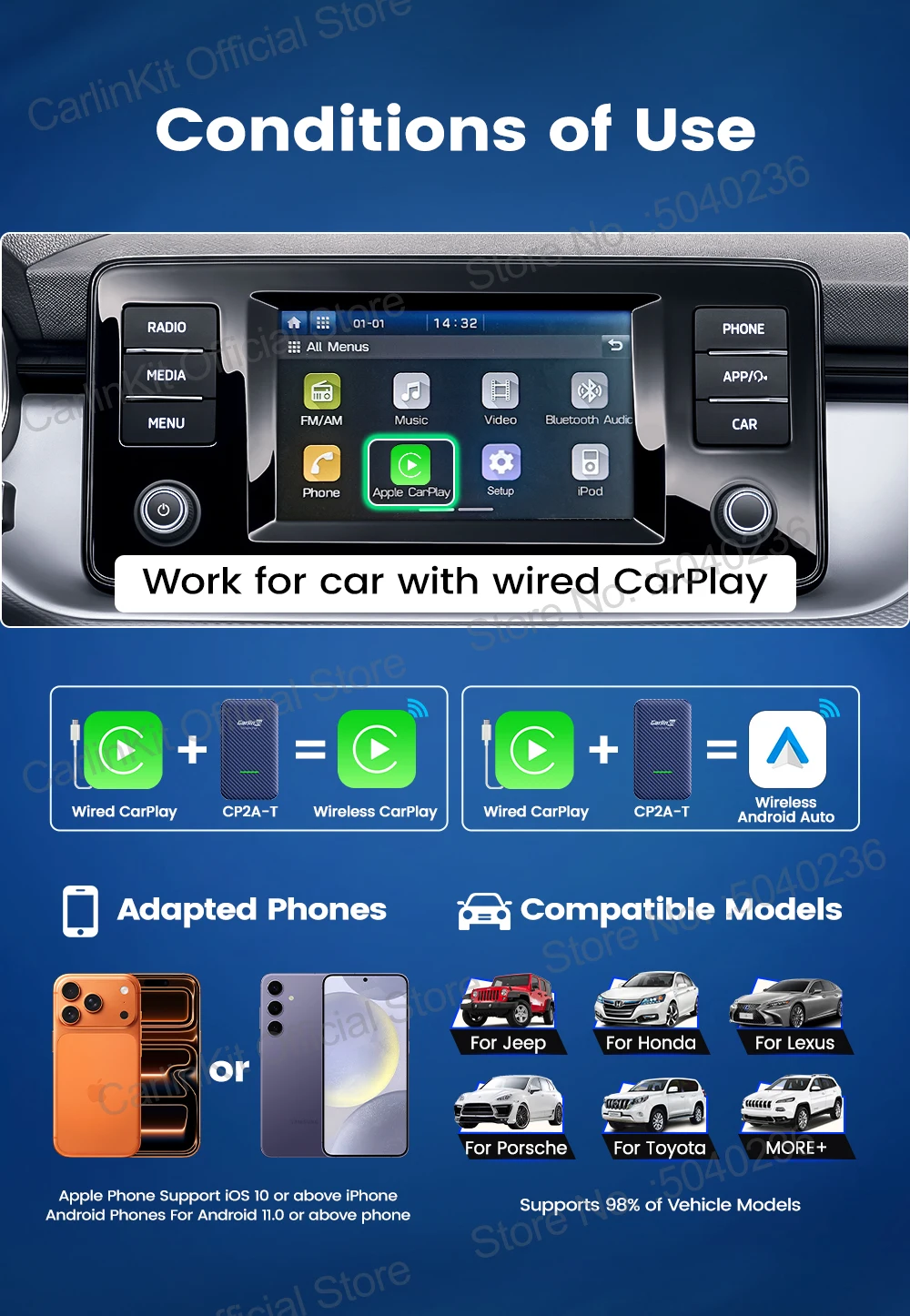
Supported Vehicles: Car with factory wired CarPlay
WiFi Module: MFI3959, QFN-8
CarlinKit CP2A----- Wireless CarPlay Adroid AutoAdapter
CarlinKit CP2A wireless car adapter for car with wired CarPlay. It can convert wired Wired CarPlay to wireless Android auto and wireless CarPlay.
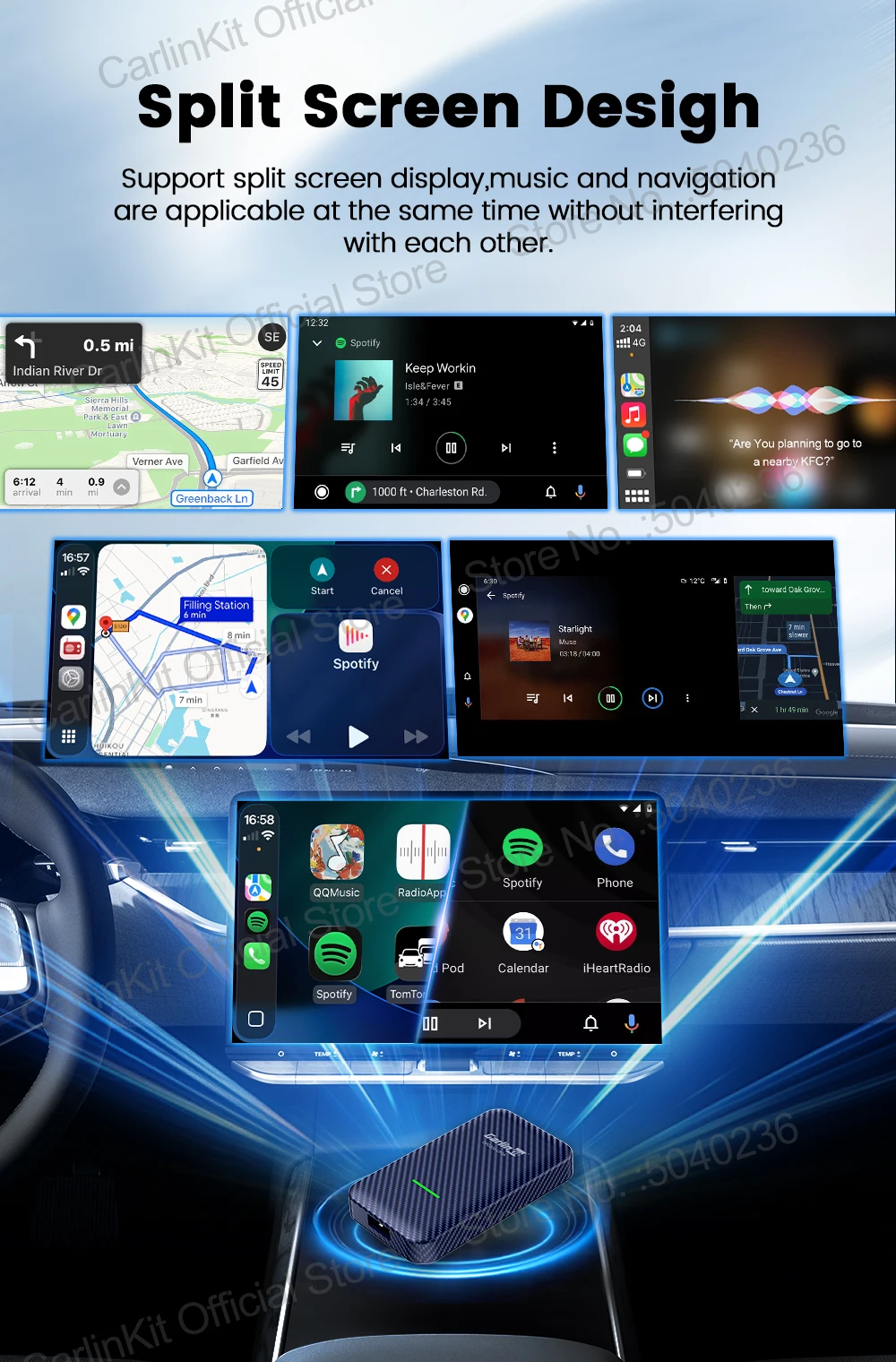
seamlessly switching the functions of your phone to your car screen.easy to play music, get navigation, or listen to music,it also support Voice Control, Siri,Google Assistant etc.
Product Feature
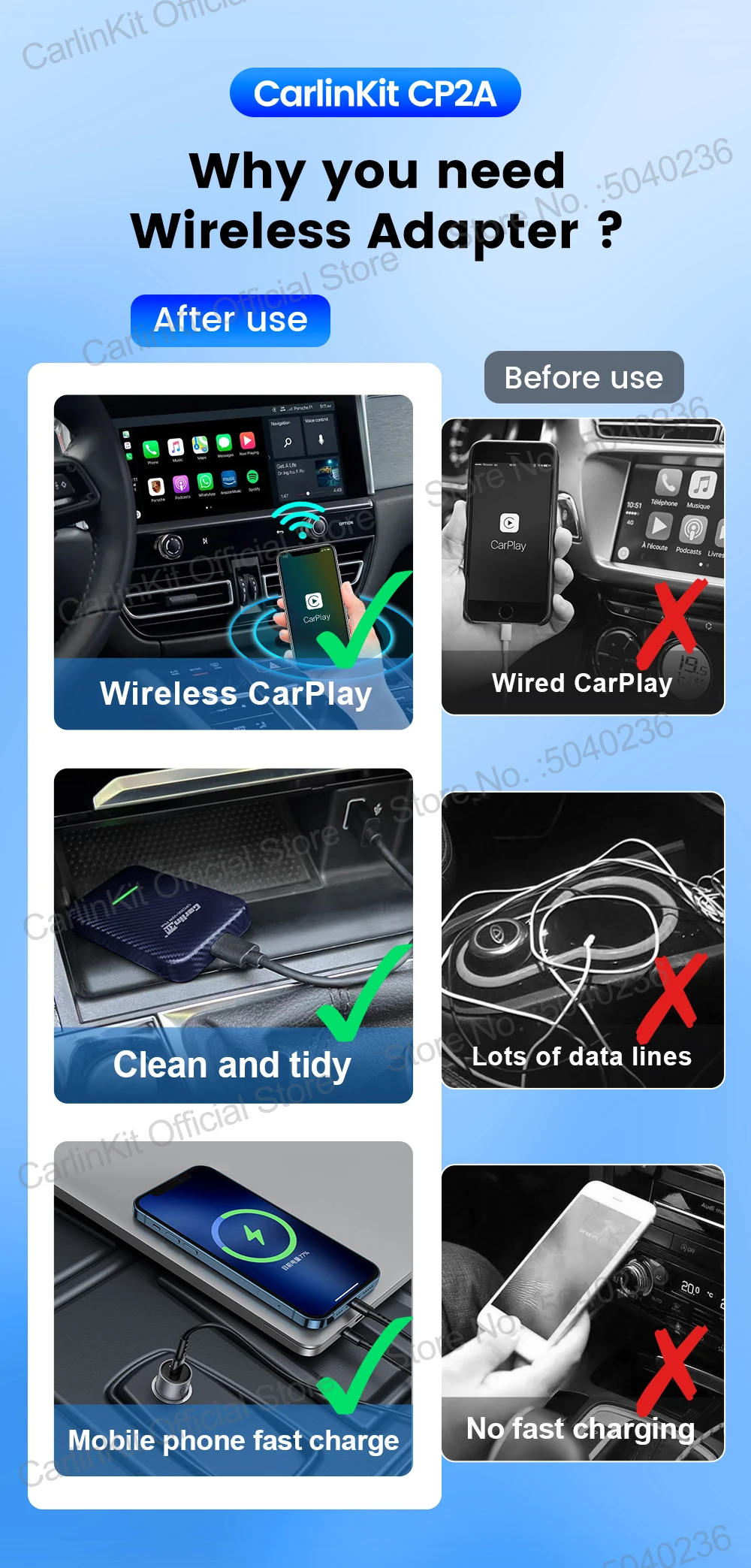
⭐Plug and play, non-inductive connection, say goodbye to wired constraints
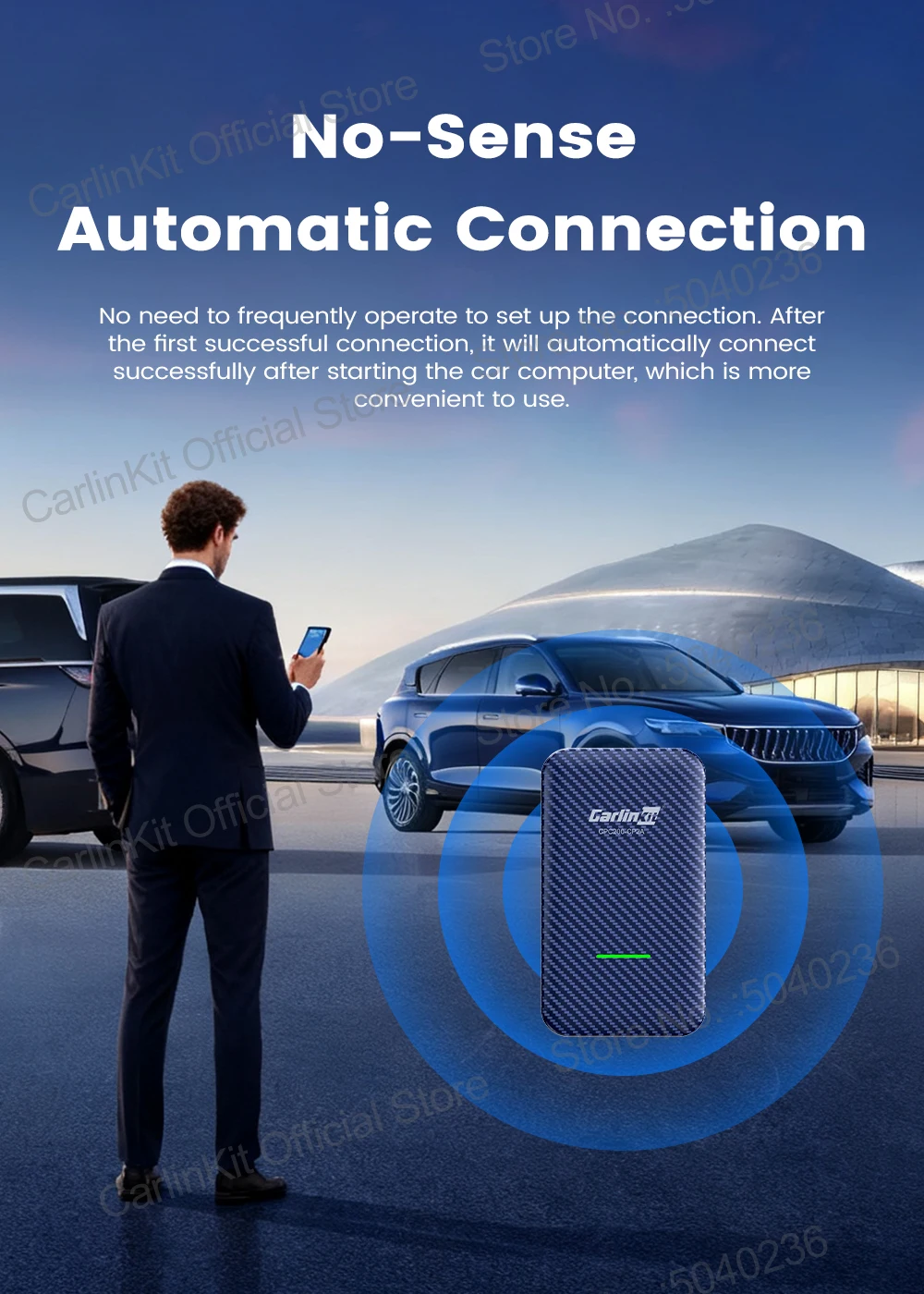
⭐Wireless Automatic Connection,After completing the initial pairing, CP2A will record your phone data and automatically connect to your Smart phone the next time you get in the car.
⭐Low power consumption design ensures that the product can run stably in different environments.
⭐Adopt authentication and 2.4Ghz~5.8Ghz data transmission , data transmission speed faster and low latency
⭐Support OTA upgrade, online feedback, solve problems quickly
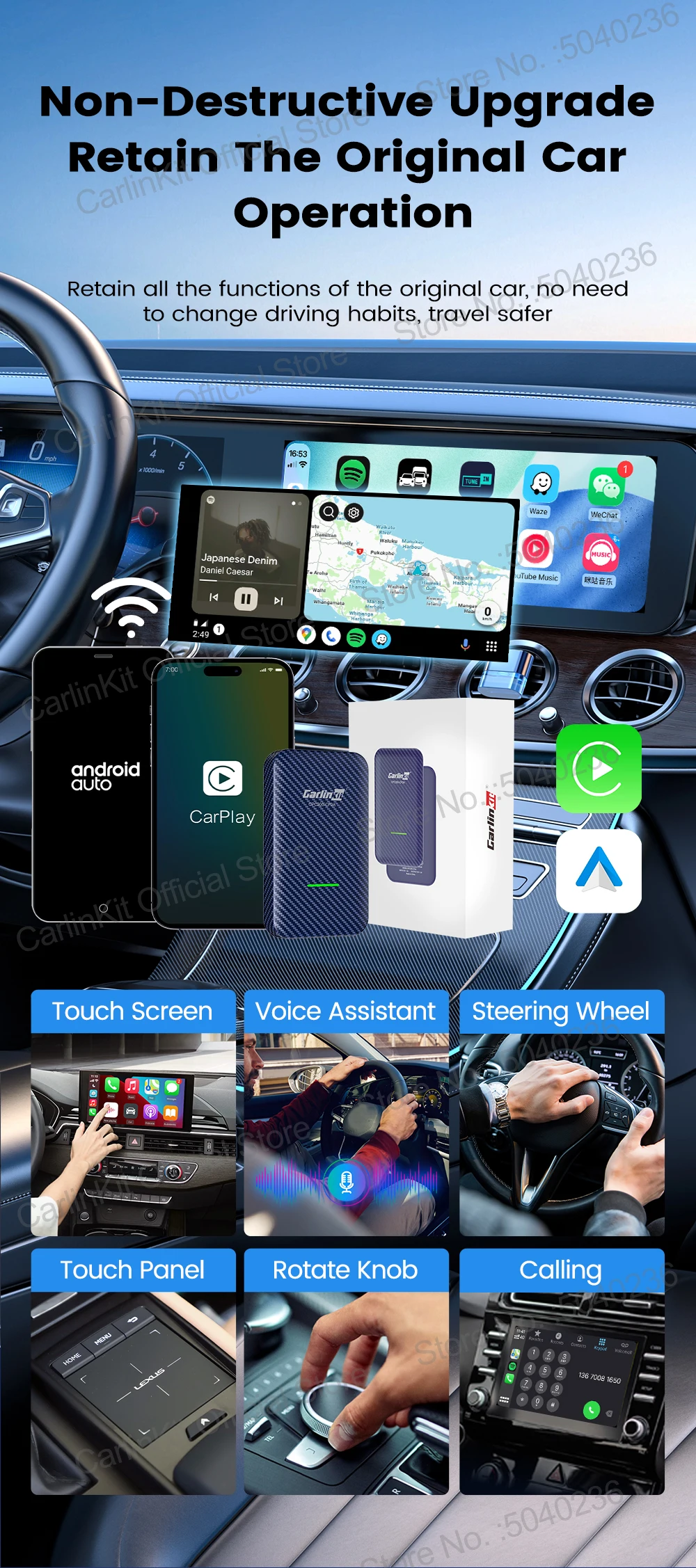
⭐Compatible with the original car microphone, continue the original car sound quality,Retain the original car operation,such as touch screen ,steering wheel control and knob control etc.
⭐ Wide Compatibility,Support iPhone with iOS 10 or above or Android phone with Android 11 or above system, iphone work for wireless CarPlay ,Android phone work for Android auto
⭐Mini size,Does not take up space and is easy to hide
⭐Support multi-device connection, Our device allows you to save up to 5 devices in its list, enabling seamless automatic connections without the hassle of repeated setups. This feature makes it easy to share the device with family and friends, ensuring a smooth user experience. Unlike other products, our multi-device support adds unmatched convenience and versatility for your everyday use.


Supported Mobile Phones & Vehicles
Supported car models:
CarlinKit CP2A Only Work for car with wired CarPlay
Tip :if your car have not wired CarPlay ,this product will not work for your car, if your car only support wired Android Auto ,please consider our mini Ultra /2air/Tbox series,thanks
Supported phone models:
iPhone( For Wireless CarPlay) : iPhone 6 and above, iOS 10 and above version
Android phones(For Wireless Android Auto): support Android 11.0 and above version
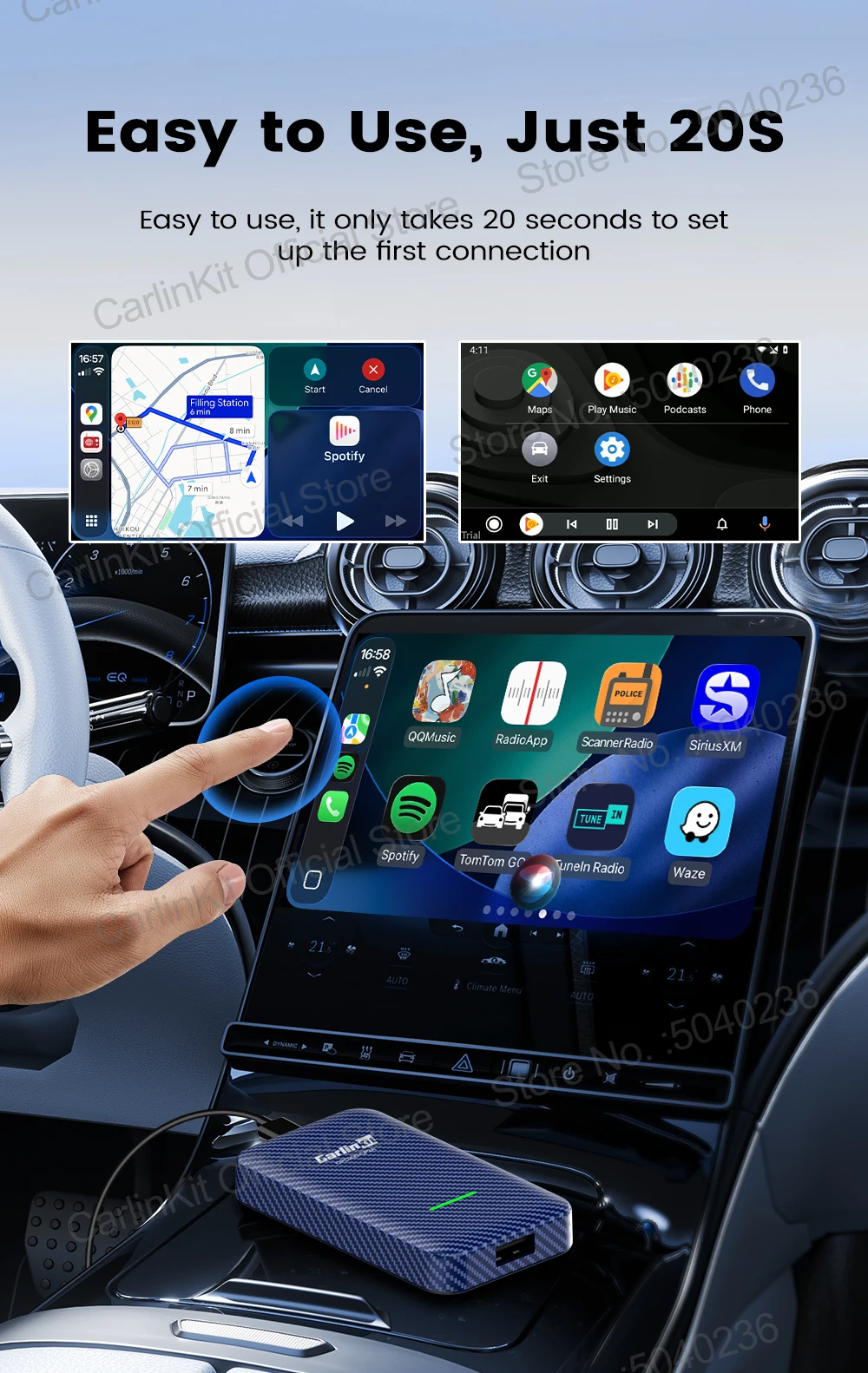
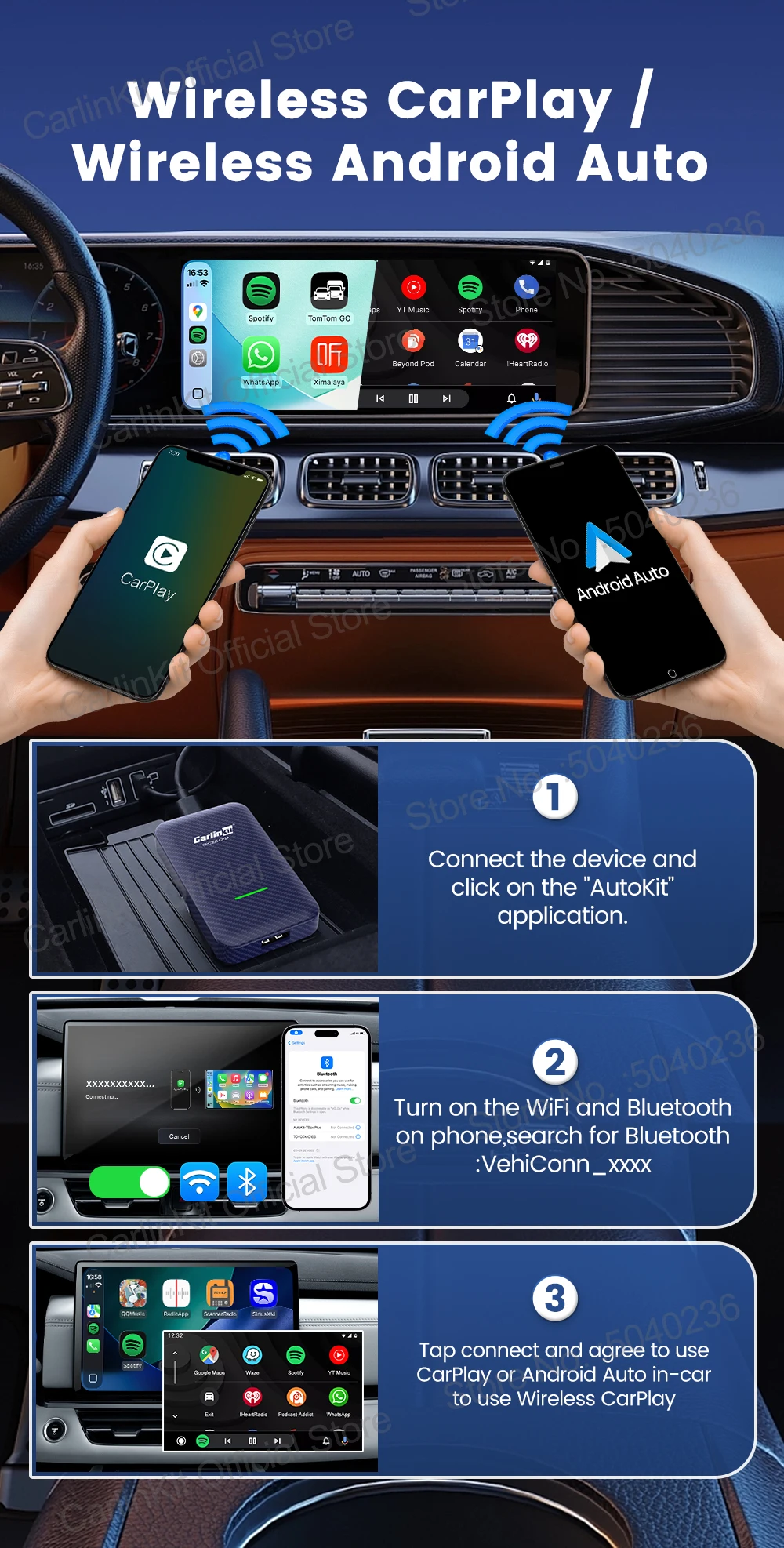
Plug and Play ,Easy to Use
Just simple 3 steps, After the first setup, our adapter will automatically activate the Android Auto or CarPlay wireless connection every time the car starts. Enjoy setup it up once and for all.
Non-inductive automatic connection
Automatically identify the connection and enter the carplay or Android auto navigation system, making travel one step faster
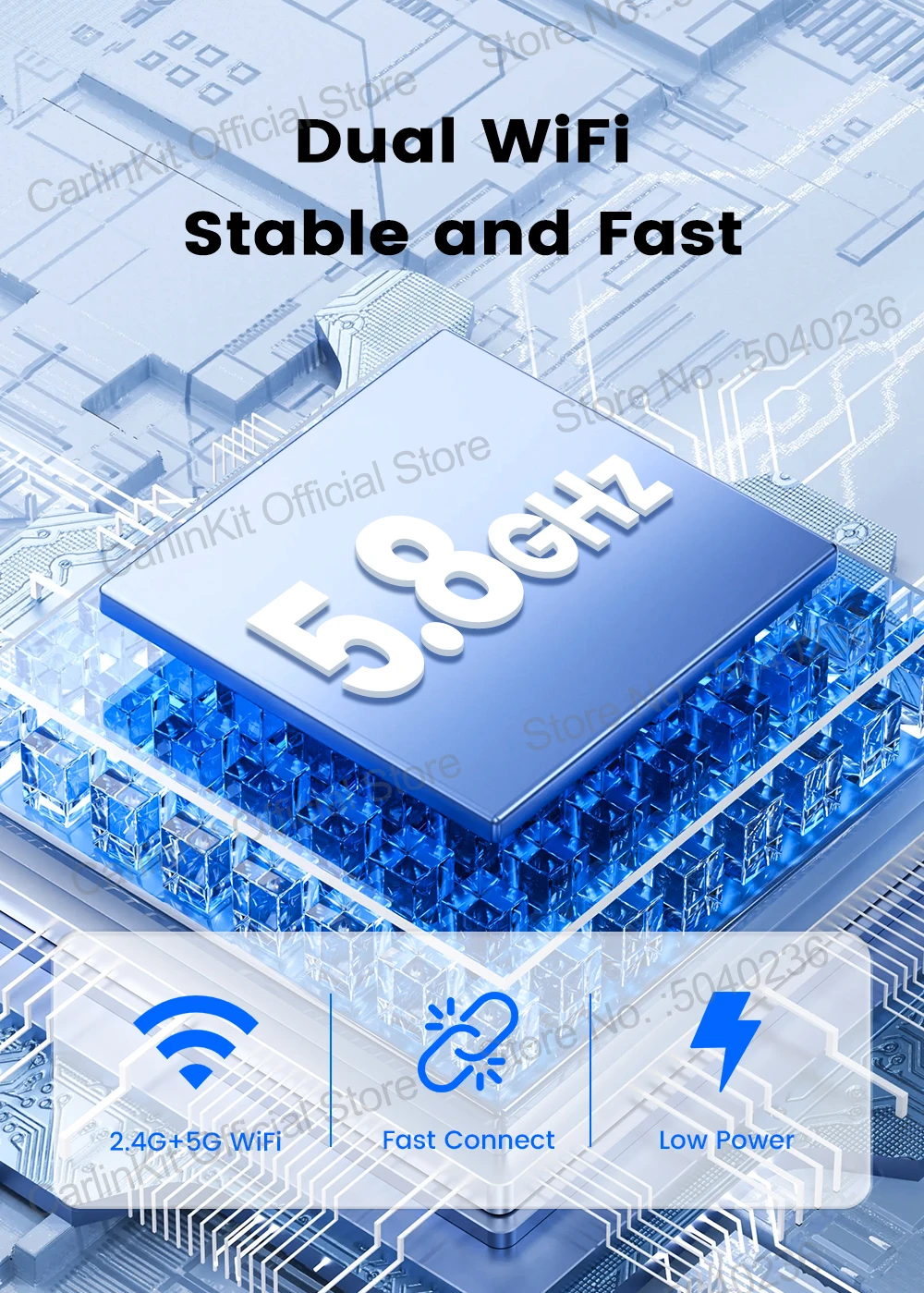
5.8Ghz transmission rate, faster and more stable
Adopt 5.8Ghz wireless module, less susceptible to interference, faster mobile phone connection ,Support dual-band wifi connection, 2.4Ghz and 5.8Ghz wifi all can be used
Only 4 steps to complete the connection
①Insert the adapter into the cars USB port
②Turn on the WiFi and Bluetooth of the iPhone/Android phone
③.Enter the Bluetooth interface of the iPhone/Android phone,and search for the Bluetooth name displayed on the car screen(Bluetooth name:VehiConn-xxxx)
④Click to connect
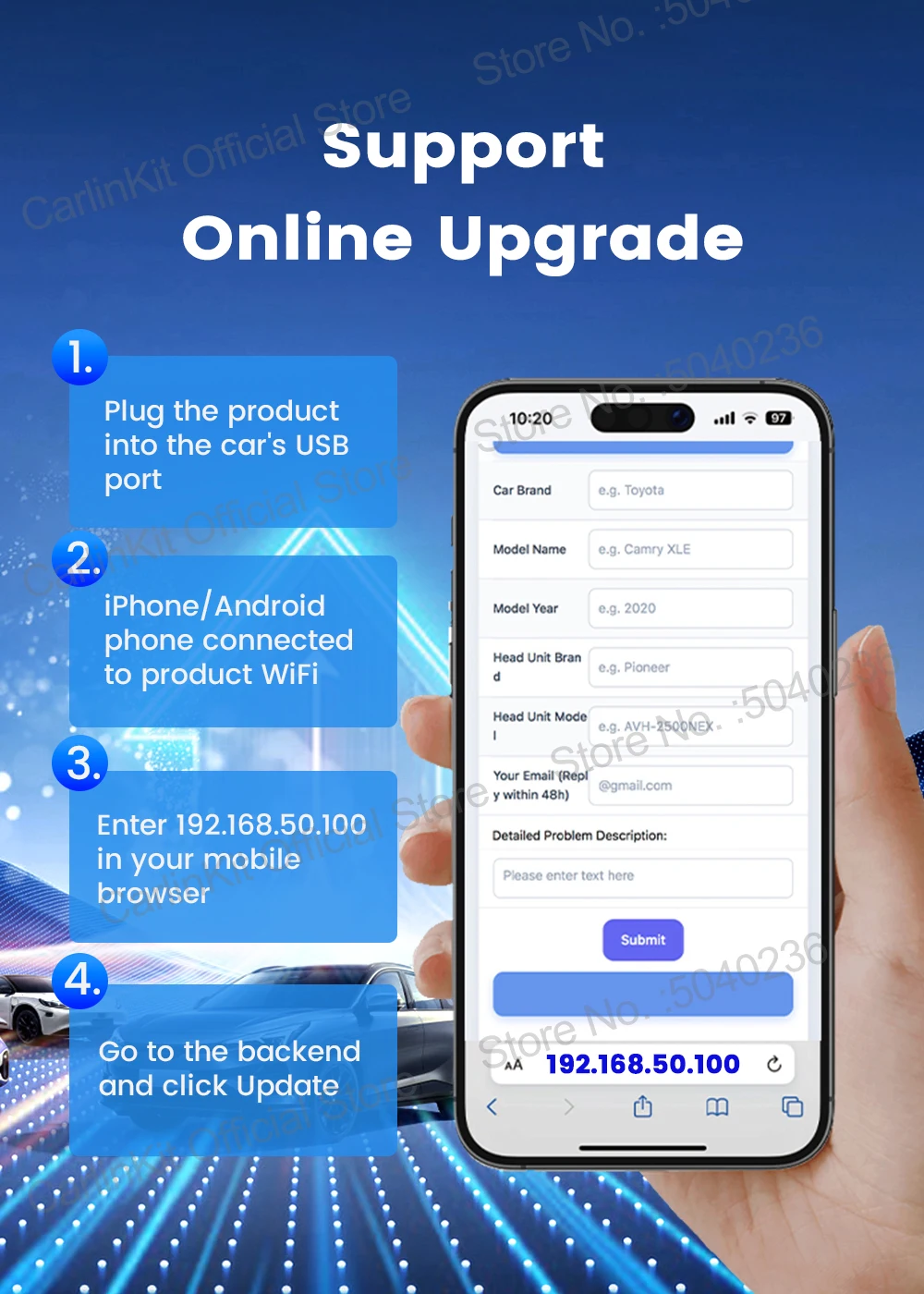
Support Online upgrade and feedback
Method 1: When CarPlay is connected, iPhone usesSafari/Chrome to visit the URL 192.168.50.100
Method 2: When CarPlay is not connected and the product ispowered on/signal light is on, iPhone connects to theproduct's WiFi (WiFi name: VehiConnxxxx, password:88888888),after WiFi connection, iPhone uses Safari/Chrometo visit the URL 192.168.50.100), after the WiFi is connected,iPhone will use Safari/Chrome to visit the URL 192.168.50.100